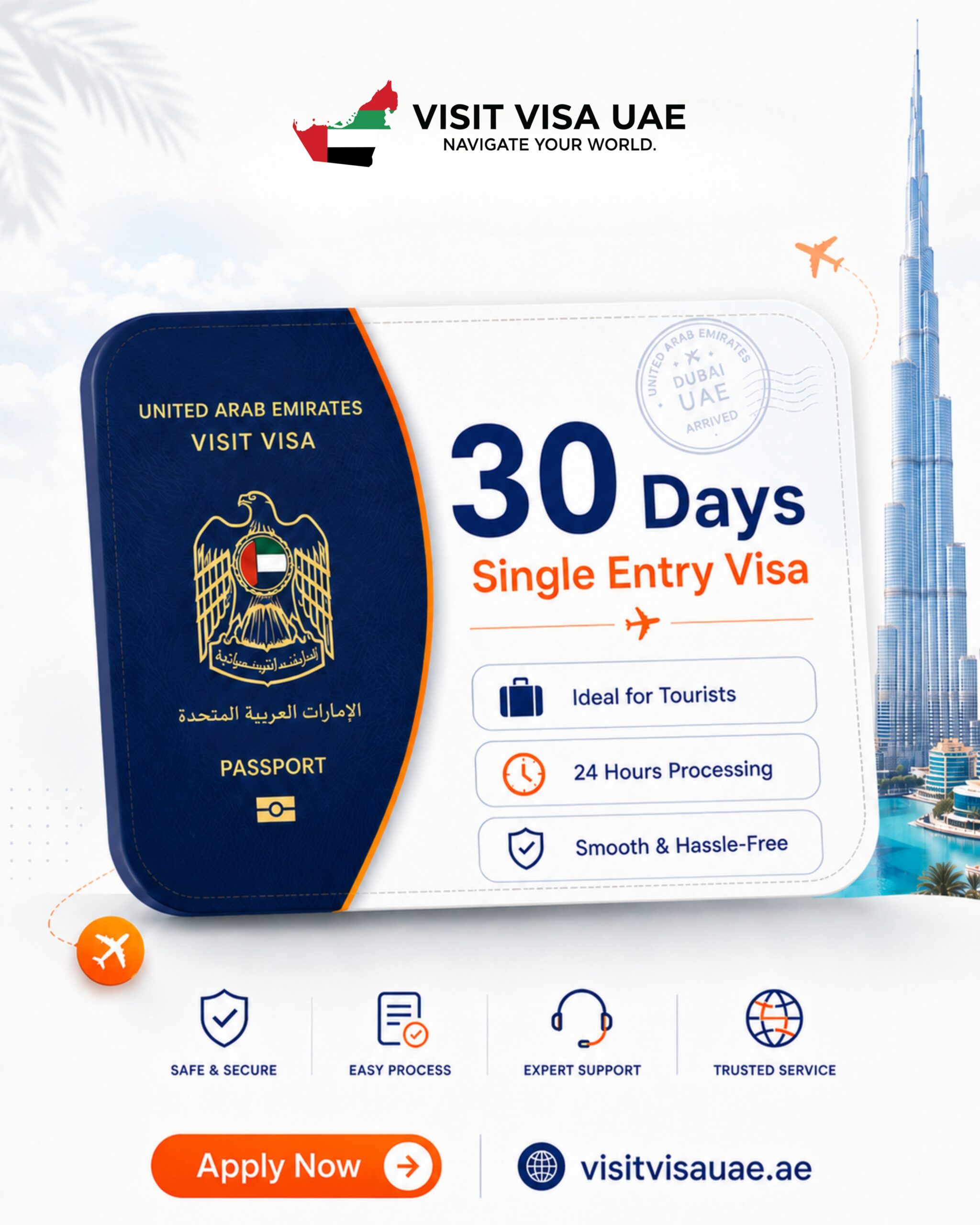
Book our bestselling 30 Days Single Entry Dubai Tourist Visa ($160 all-inclusive) for a hassle-free 1-month holiday, family visit, or remote-work stay in the UAE. Processed online in just 24 hours, this visa gives you 30 full days in Dubai and across all seven emirates with official e-visa delivery straight to your inbox.
Fill Out Your 30-Day Single Entry Visa Form & Pay Online
At-a-Glance Visa Specifications (2026)
Feature
Details
Visa Type
30 Days Single Entry UAE Tourist / Visit Visa (1 Month)
Why Travelers Pick the 30 Days Single Entry Dubai Visa
At only $10 more than a 14-day permit, the 1-month Dubai tourist visa is ideal for leisure vacations, wedding & family visits, freelancers and digital nomads testing Dubai, and explorers considering a longer transition. Planning to step out to Oman, Qatar, or board a Gulf cruise and return? Choose our 30 Days Multi Entry Visa ($230) instead.
Passport Bio Page Scan: High-resolution color image with minimum 6 months remaining validity. Verify nationality notes at Dubai Visa by Nationality 2026.
Can I extend a 30 Days Single Entry Dubai Visa inside the UAE in 2026?
Yes. You can apply for an inside-country extension without exiting the UAE or complete a same-day Bus-to-Bus (B2B) or Airport-to-Airport (A2A) visa change before day 30 expires.
How fast is the 30 Days Dubai Tourist Visa approved?
Standard GDRFA/ICP approval takes around 24 working hours. Travelers needing same-day clearance can book our 4-6 hour Emergency Dubai Visa ($250).
Does a 30-day Dubai visa allow me to leave and re-enter Dubai once I exit?
No. A Single Entry visa automatically expires the moment you exit the UAE. If you plan multiple entries during your trip, order the 30 Days Multi Entry Visa ($230).
When does the 30-day stay period start counting?
Your 30 days begin on the exact date you pass UAE passport control upon arrival, not on the issue date printed on the e-visa (which gives you 60 days to enter).
Is there a security deposit required for the $160 30-day Dubai visa?
All-inclusive online fees cover government processing and mandatory insurance; most nationalities apply with zero refundable deposit when submitting clear return flight and hotel details.
Used to determine whether a user is included in an A / B or Multivariate test.
18 months
_ga
ID used to identify users
2 years
_gali
Used by Google Analytics to determine which links on a page are being clicked
30 seconds
_ga_
ID used to identify users
2 years
_gid
ID used to identify users for 24 hours after last activity
24 hours
_gat
Used to monitor number of Google Analytics server requests when using Google Tag Manager
1 minute
_gac_
Contains information related to marketing campaigns of the user. These are shared with Google AdWords / Google Ads when the Google Ads and Google Analytics accounts are linked together.
90 days
__utma
ID used to identify users and sessions
2 years after last activity
__utmt
Used to monitor number of Google Analytics server requests
10 minutes
__utmb
Used to distinguish new sessions and visits. This cookie is set when the GA.js javascript library is loaded and there is no existing __utmb cookie. The cookie is updated every time data is sent to the Google Analytics server.
30 minutes after last activity
__utmc
Used only with old Urchin versions of Google Analytics and not with GA.js. Was used to distinguish between new sessions and visits at the end of a session.
End of session (browser)
__utmz
Contains information about the traffic source or campaign that directed user to the website. The cookie is set when the GA.js javascript is loaded and updated when data is sent to the Google Anaytics server
6 months after last activity
__utmv
Contains custom information set by the web developer via the _setCustomVar method in Google Analytics. This cookie is updated every time new data is sent to the Google Analytics server.